

5 Powerful Extensions that Simplify Go Control on VS Code
Visual Studio Code is one of the indispensable editors of developers. But are you still managing your git operations from the command line? In this article, I will share 5 amazing plugins and usage tips that will make VS Code your go management center.
- GitLens
Why GitLens?
Display line line code history
Advanced blame features
Branch comparison
Go flow visualization
Installation & Usage:
Open the VS Code Extensions tab
"Make a "gitLens" search
Click the install button
Access GitLens commands from Command Palette (Ctrl+Shift+P)
Git History
- Git History
Featured Features:
Detailed commit history
Visually inspecting branches and tags
View file history
The commit comparison
Basic Usage Tips:
Ctrl+Shift+P> Go: View History
Right click > Git: File History
- Git Graph
Advantages:
Show branches visually
Facilitate merge and rebase operations
Quick access to commit details
Easy branch management
- GitHub Pull Requests
What's Useful?
Manage PRs directly from VS Code
Accelerate review processes
Easily make comments and suggestions for changes
- Git Project Manager
Features:
Multi-go project management
Fast project transition
Automatic project detection
Practical Tips:
Keyboard Shortcuts
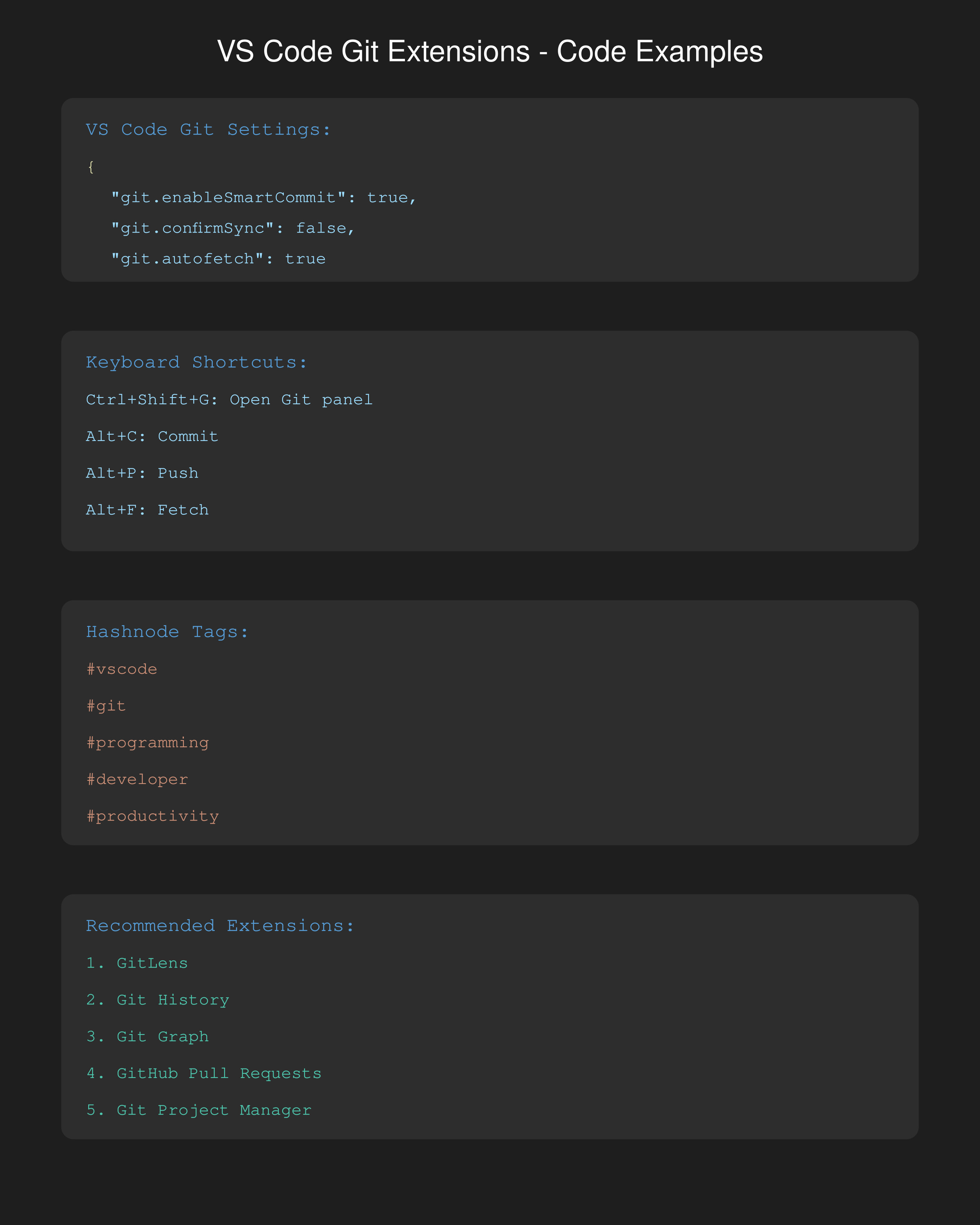
Ctrl+Shift+G: Open the go panel
Alt+C: Commit
Alt+P: Push
Alt+F: Fetch
Recommendations for Git Flow:
Use meaningful names when creating a branch
Write the commit messages regularly
Make small commits often
VS Code Settings:
{
"git.enableSmartCommit": true, true,
"git.confirmSync": false,
"git.autofetch": true
}
Hashnode Tags you can use:
#vscode
#wag
#programming
#developer
#coding
#tooling
#productivity
With these plugins, you can automate your go workflow, saving time and working more efficiently.


