

Basic Libraries to Get Started with Python: A Starter Guide
Python's power and versatility make it a top choice for beginners and seasoned developers alike. A significant part of this appeal comes from its rich ecosystem of libraries that simplify complex tasks. If you're just starting with Python, knowing which libraries to focus on can give you a solid foundation for various projects, from data analysis to web development.
Here are a few fundamental Python libraries that are widely used and excellent for getting started:
NumPy (Numerical Python)
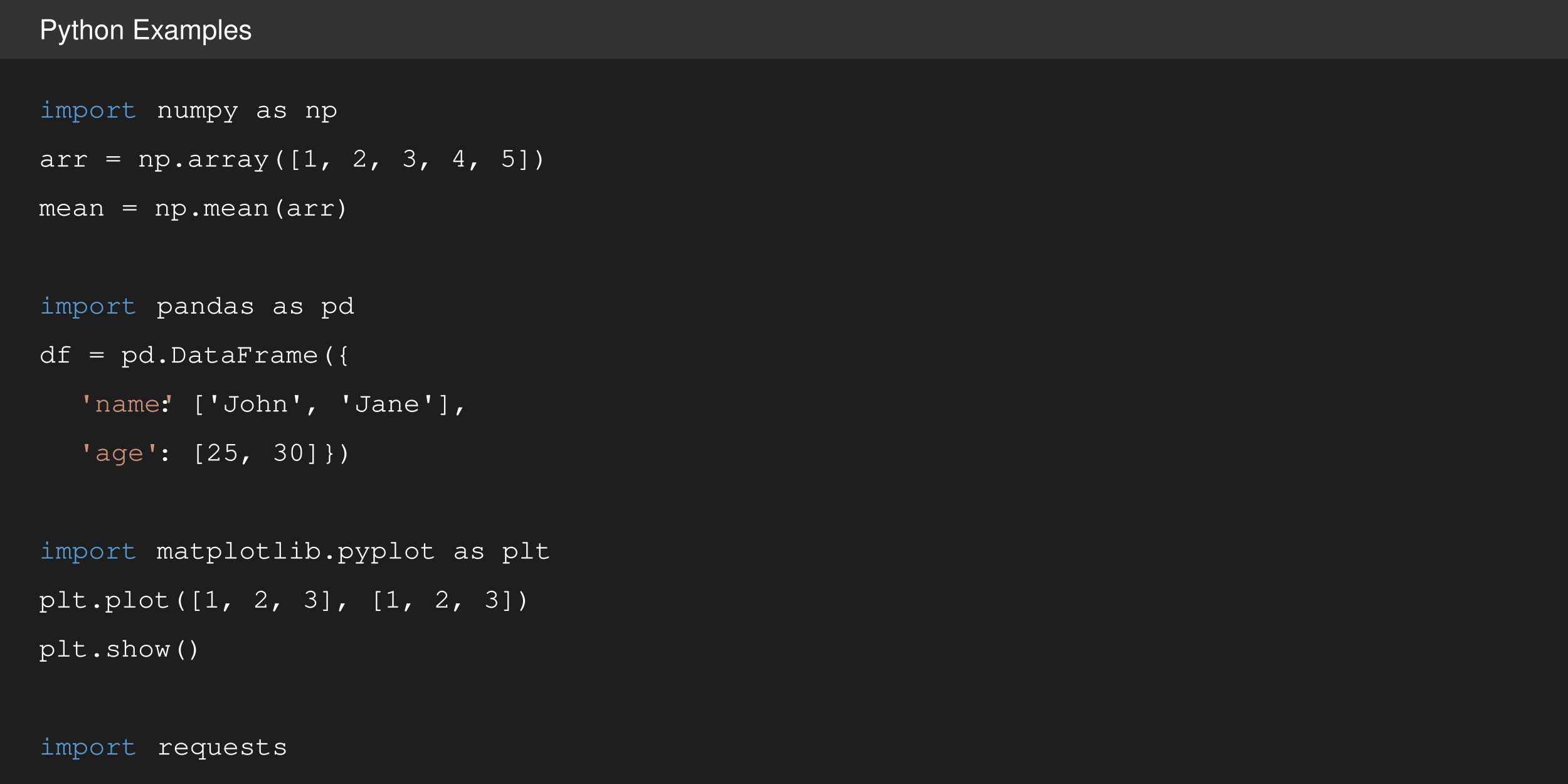
The cornerstone for numerical computing in Python, NumPy provides support for large, multi-dimensional arrays and matrices, along with a collection of mathematical functions to operate on them efficiently. It's indispensable for data analysis, scientific calculations, and as a foundational library for many machine learning projects.
Dive deeper into numerical computing concepts on a resource like Khan Academy's Linear Algebra section for a better understanding of its mathematical underpinnings.
Pandas
When it comes to data manipulation and analysis, Pandas is the go-to library. It introduces DataFrames – powerful, flexible data structures that make working with structured data (like CSVs or SQL tables) intuitive and efficient. Pandas is essential for data cleaning, statistical analysis, and preparing data for visualization or machine learning models.
Matplotlib
Data visualization is key to understanding data, and Matplotlib is one of Python's most popular 2D plotting libraries. It allows you to create a wide variety of static, animated, and interactive visualizations, including line graphs, scatter plots, histograms, and more. It’s widely used in data analysis, scientific graphing, and preparing presentations.
Explore data visualization principles and best practices on sites like Data Viz Project to make your plots more effective.
Requests
Working with web services and APIs is a common task in modern development. The Requests library simplifies making HTTP requests, allowing you to easily interact with APIs, fetch data from websites, or integrate with various web services. Its simple syntax makes sending GET, POST, PUT, etc., requests straightforward.
Beautiful Soup If you need to extract data from HTML and XML files (a common task in web scraping), Beautiful Soup is an excellent choice. It creates a parse tree from page source code that can be used to extract data in a more Pythonic and readable way than manual parsing. It's widely used for web scraping, data collection, and content analysis.
Getting Started:
Most of these libraries can be easily installed using pip, Python's package installer: pip install numpy pandas matplotlib requests beautifulsoup4
As you begin your Python journey, focus on understanding basic Python concepts first, then explore each library with small, practical projects. Don't forget to consult the official documentation for each library – it's an invaluable resource.
These foundational libraries will open up a vast world of possibilities in Python development. Happy coding!


